Purchase and Register
-
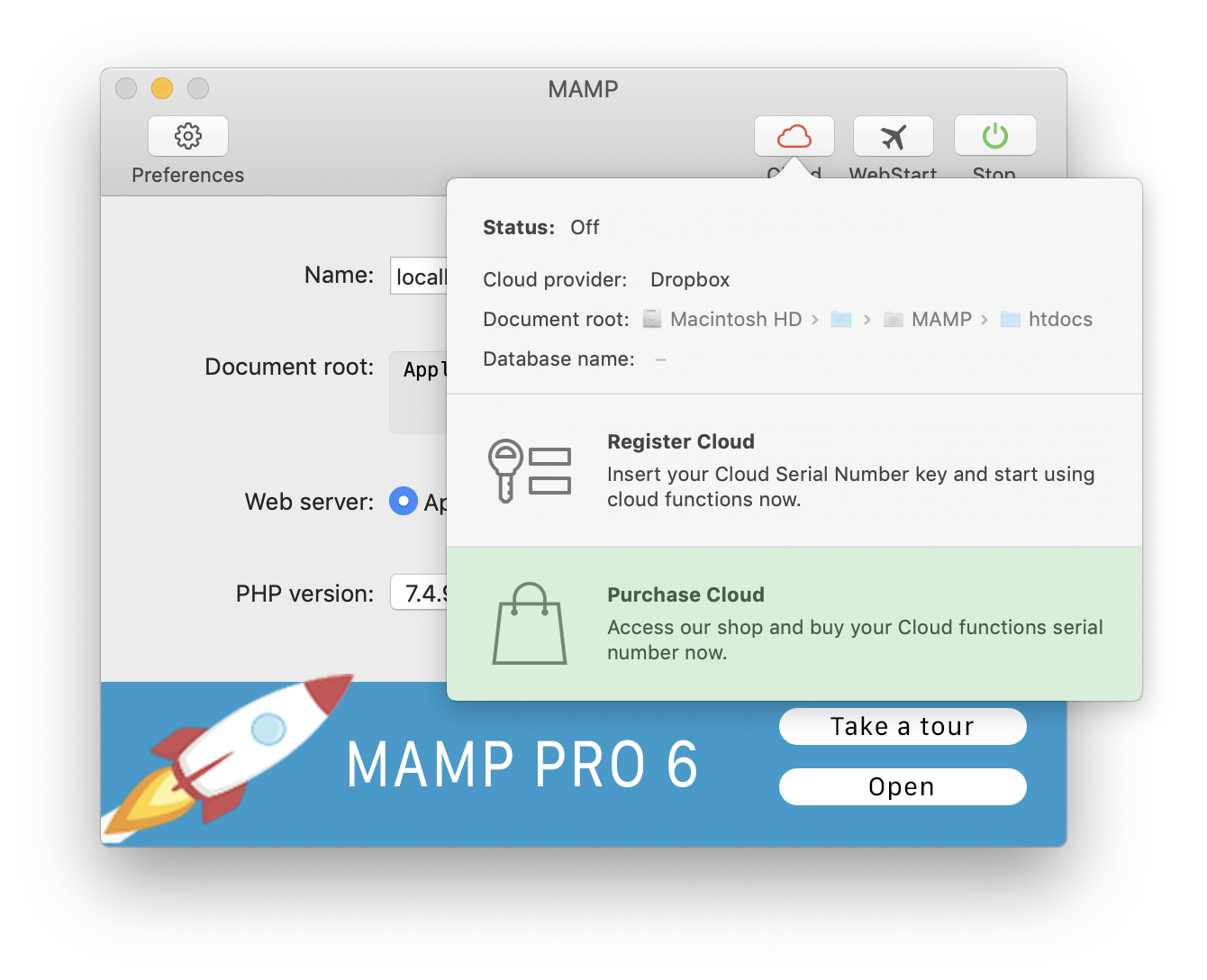
Press on the “Cloud” icon on the MAMP interface to begin the purchase process for cloud functions.
-
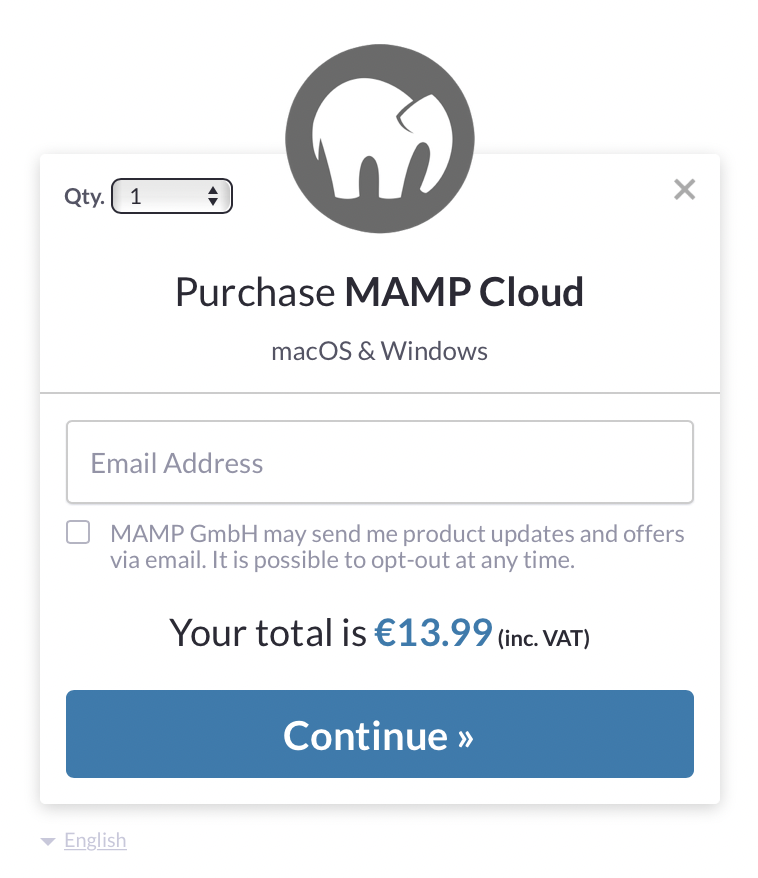
Press “Purchase Cloud” to purchase the Cloud Functions for MAMP. You will be guided through the purchase process.
-
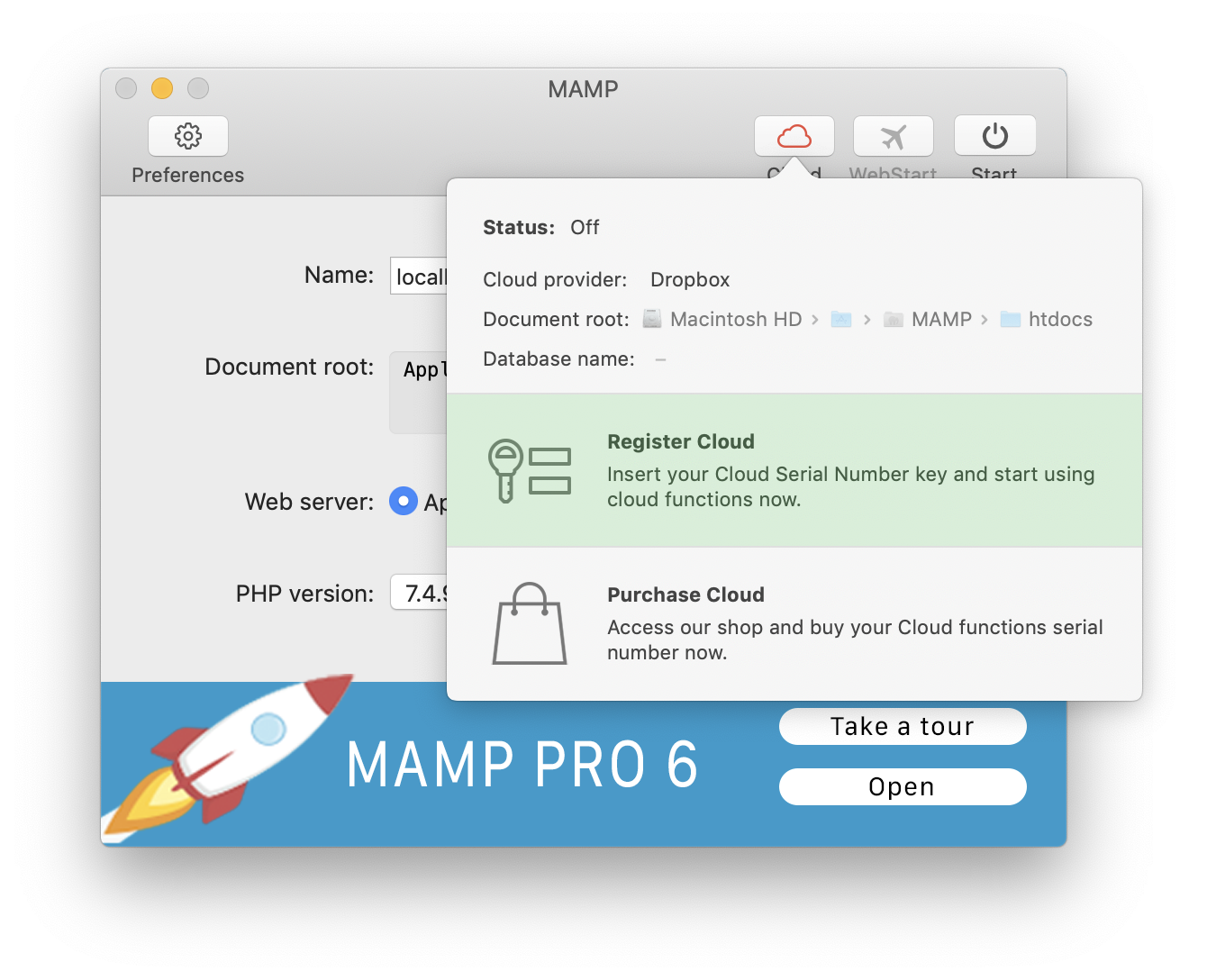
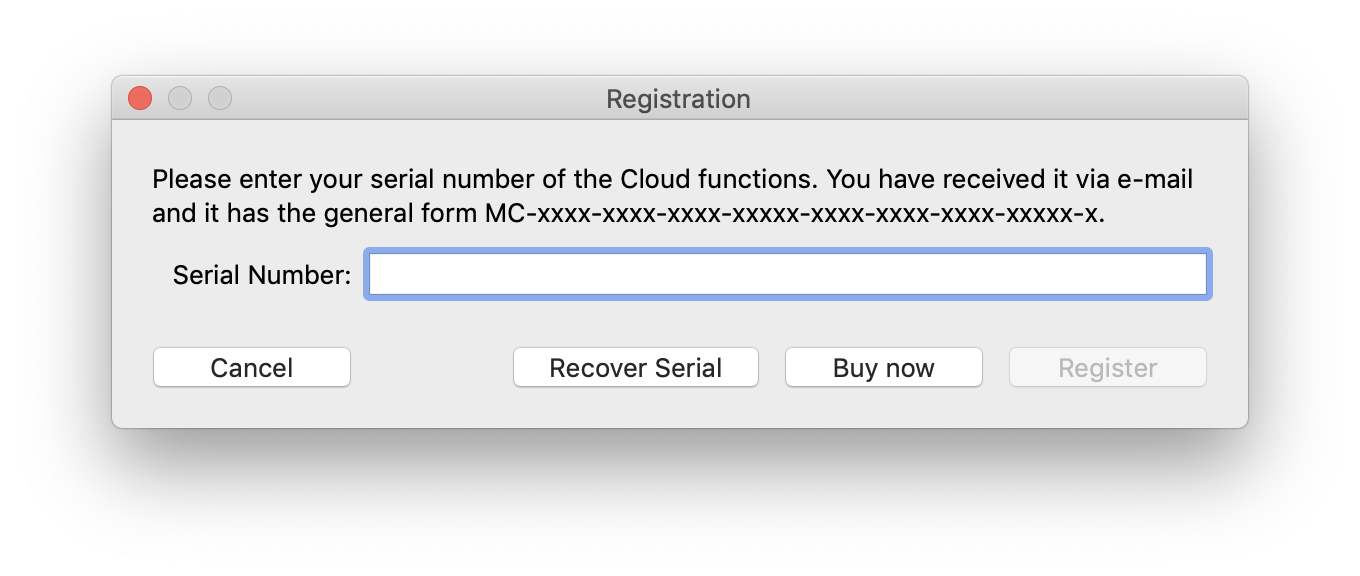
After you have purchased Cloud Functions you can register your purchase.
Sign In
-
After you have registered Cloud Functions for MAMP you can sign in. Press the Cloud button and then “Turn On” on the MAMP user interface to sign in.

-
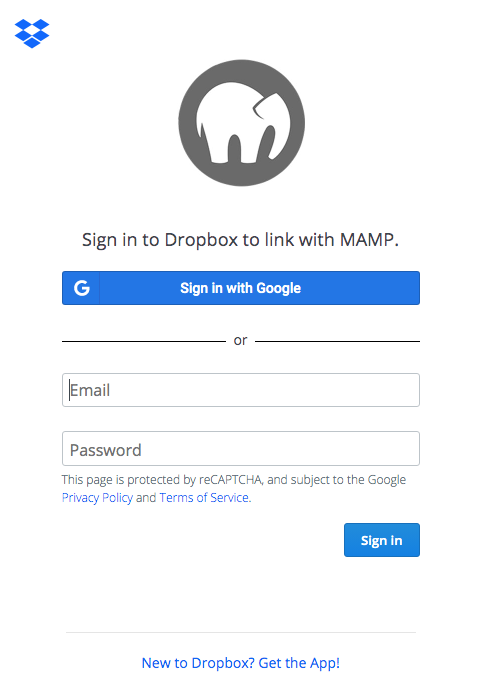
Sign in to your Dropbox account.