Purchase and Register
-
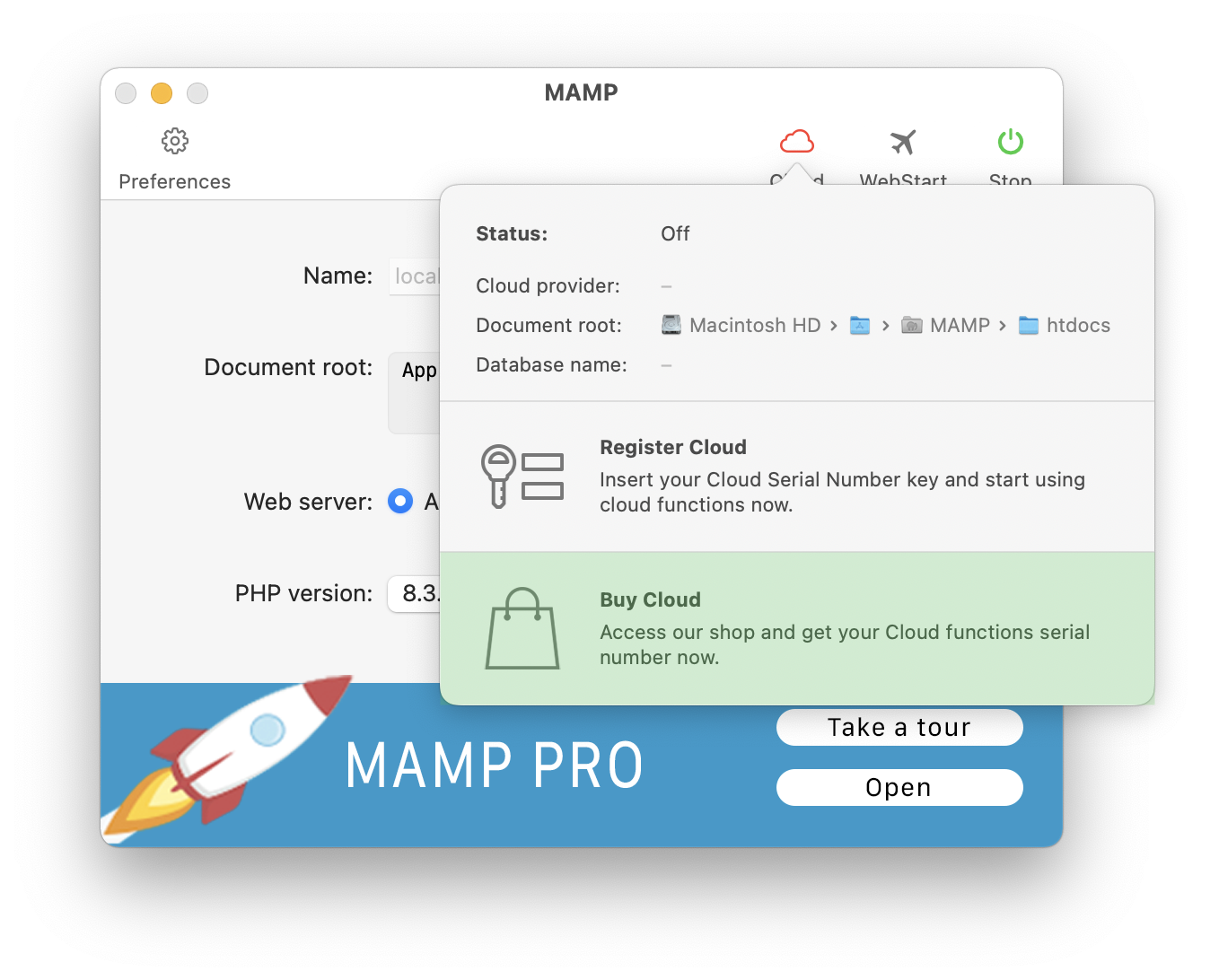
Press on the “Cloud” icon on the MAMP interface to begin the purchase process for cloud functions.
-
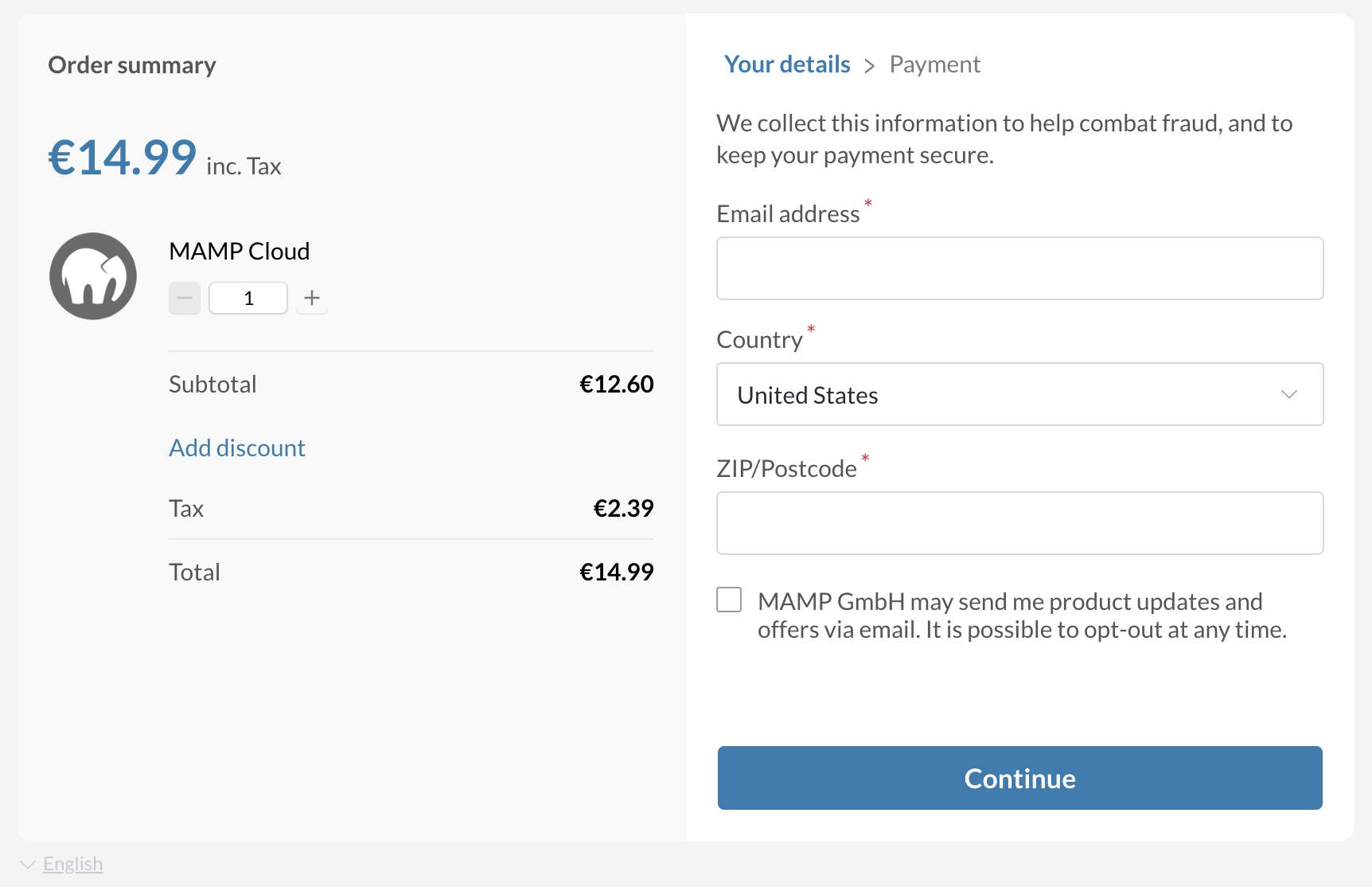
Press “Purchase Cloud” to purchase the Cloud Functions for MAMP. You will be guided through the purchase process.
-
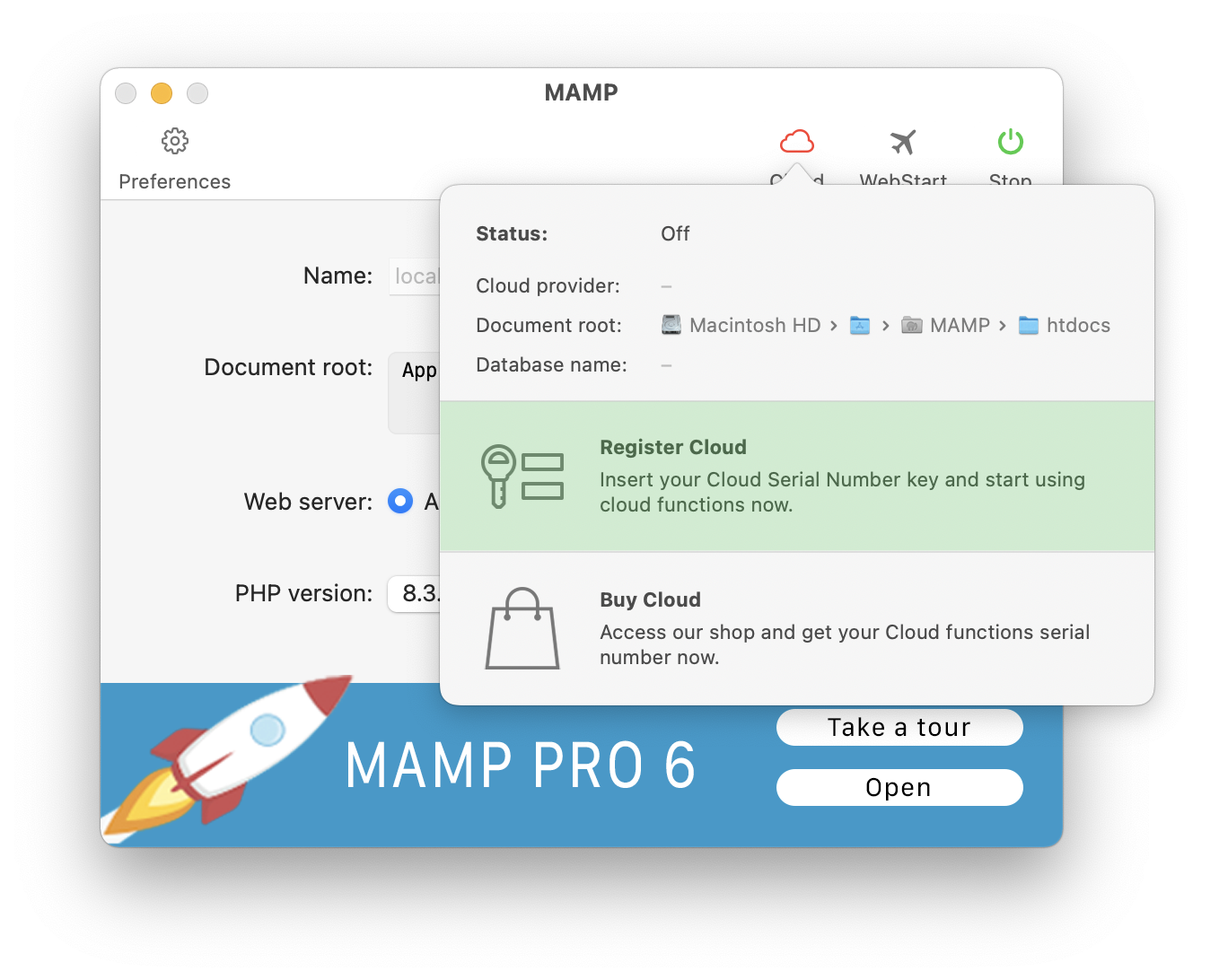
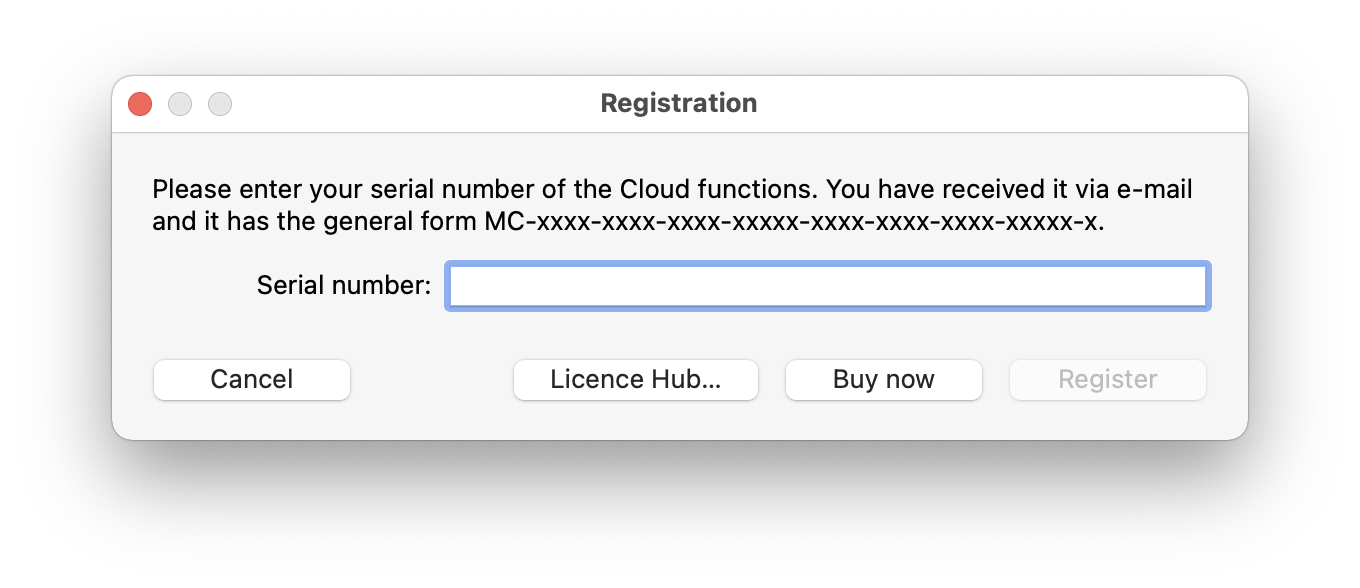
After you have purchased Cloud Functions you can register your purchase.
Sign In
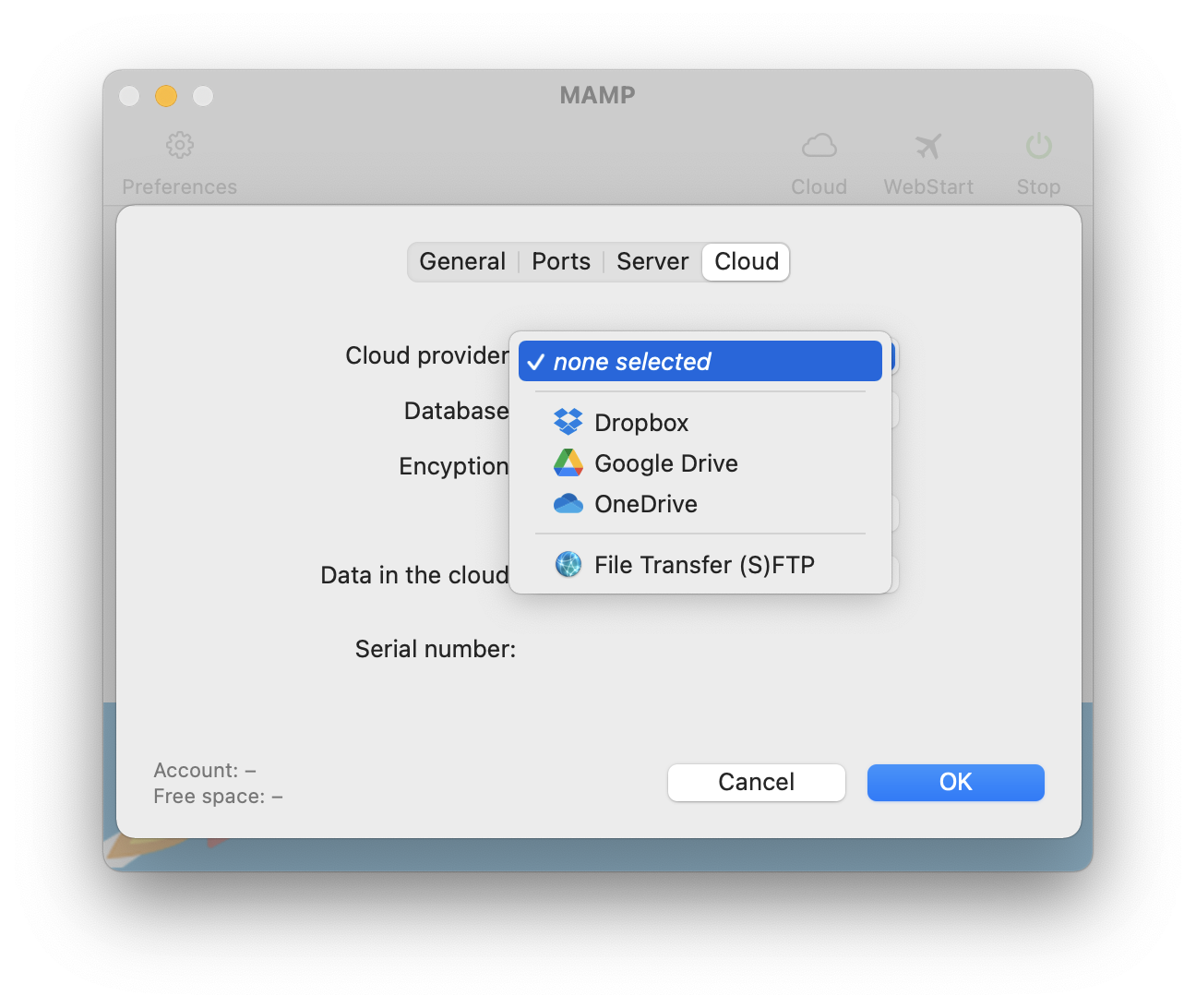
After you have registered Cloud Functions for MAMP, you can sign in. To do this, open the Preferences, switch to the “Cloud” tab and select your preferred cloud provider.